Skyworth 55" LED - Thermal Shutdown and Overheating Issues
Skyworth 55-inch LED TV shutting down due to overheating. Comprehensive thermal management repair including heatsink cleaning, thermal paste replacement, and airflow restoration.
Symptoms
- TV shuts down after 30-60 minutes of use
- Back panel is extremely hot to touch
- Fan noise increases before shutdown (if equipped with fan)
- Shutdown is sudden with no warning message
Diagnosis
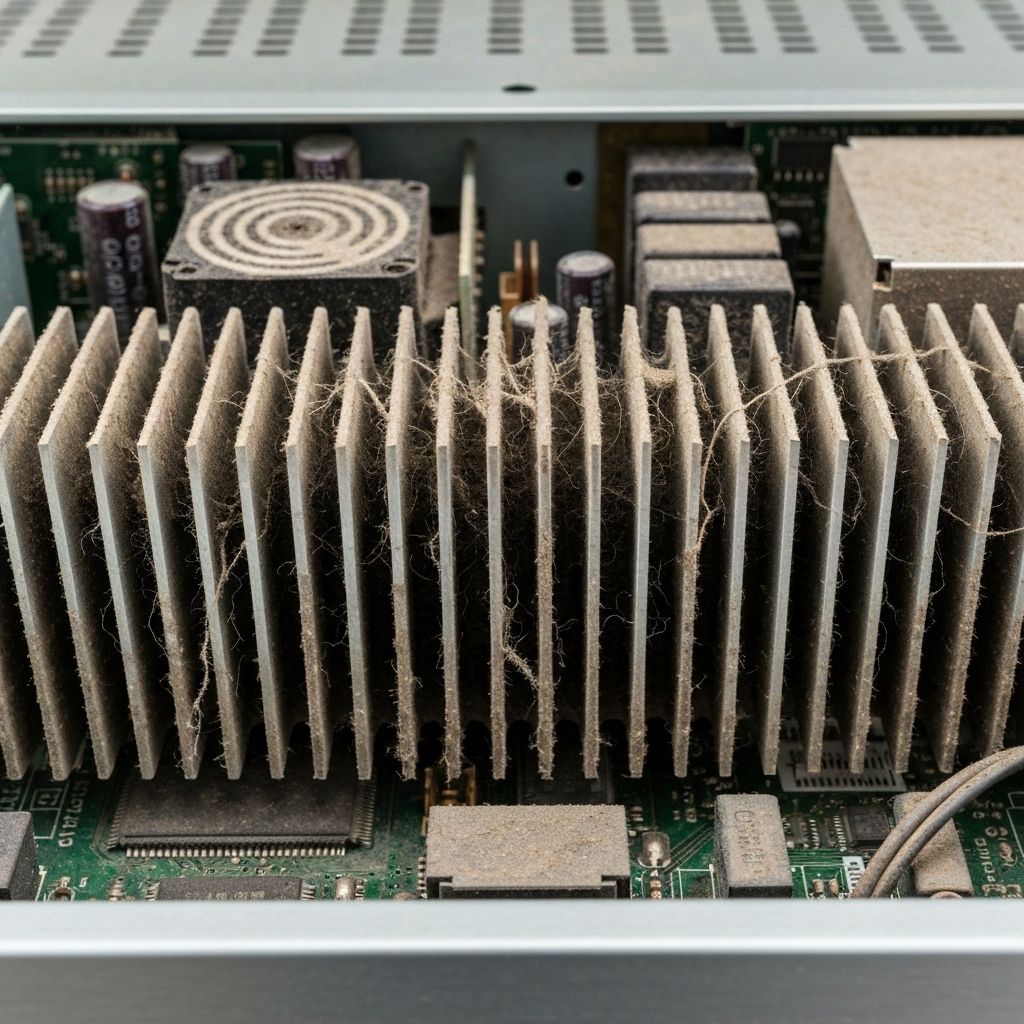
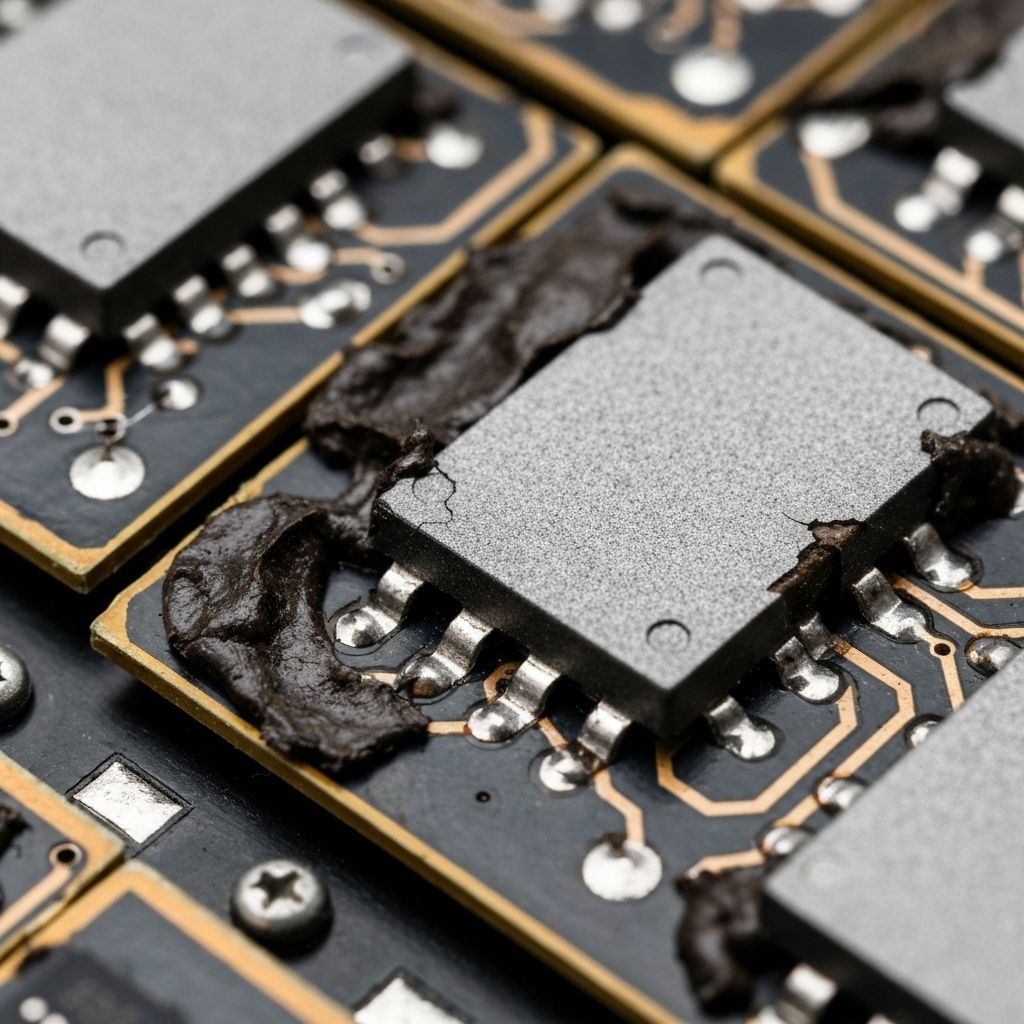
Thermal shutdown is a protection mechanism - when the CPU/SoC reaches a critical temperature (usually 95-105°C), it shuts down to prevent permanent damage. Customer reported the TV had been getting progressively worse over 6 months - first it would run for hours, now only 30 minutes. Removed the back cover and found the heatsinks completely clogged with dust - like a thick blanket covering the fins. The CPU heatsink was too hot to touch (estimated 80-90°C). Removed the heatsink and found the thermal paste had completely dried out and cracked - it looked like dried mud. The thermal paste's job is to fill microscopic gaps between the CPU die and heatsink, allowing efficient heat transfer. When it dries out, thermal resistance increases dramatically, and the CPU overheats. The root cause was a combination of dust accumulation blocking airflow and degraded thermal paste after 5+ years of use.
- Screwdriver Set
- Compressed Air or Air Blower
- Isopropyl Alcohol 90%+ (for cleaning old paste)
- Coffee Filters or Lint-Free Cloth
- Thermal Paste (Arctic MX-4, Noctua NT-H1, or similar)
- Thermal Camera or IR Thermometer (optional, for diagnosis)
- Thermal PasteArctic MX-4 or Noctua NT-H1High-quality non-conductive paste - avoid cheap thermal paste
- Thermal Pads1mm-3mm various sizesIf any thermal pads are damaged during disassembly
Repair Process
Diagnose Overheating
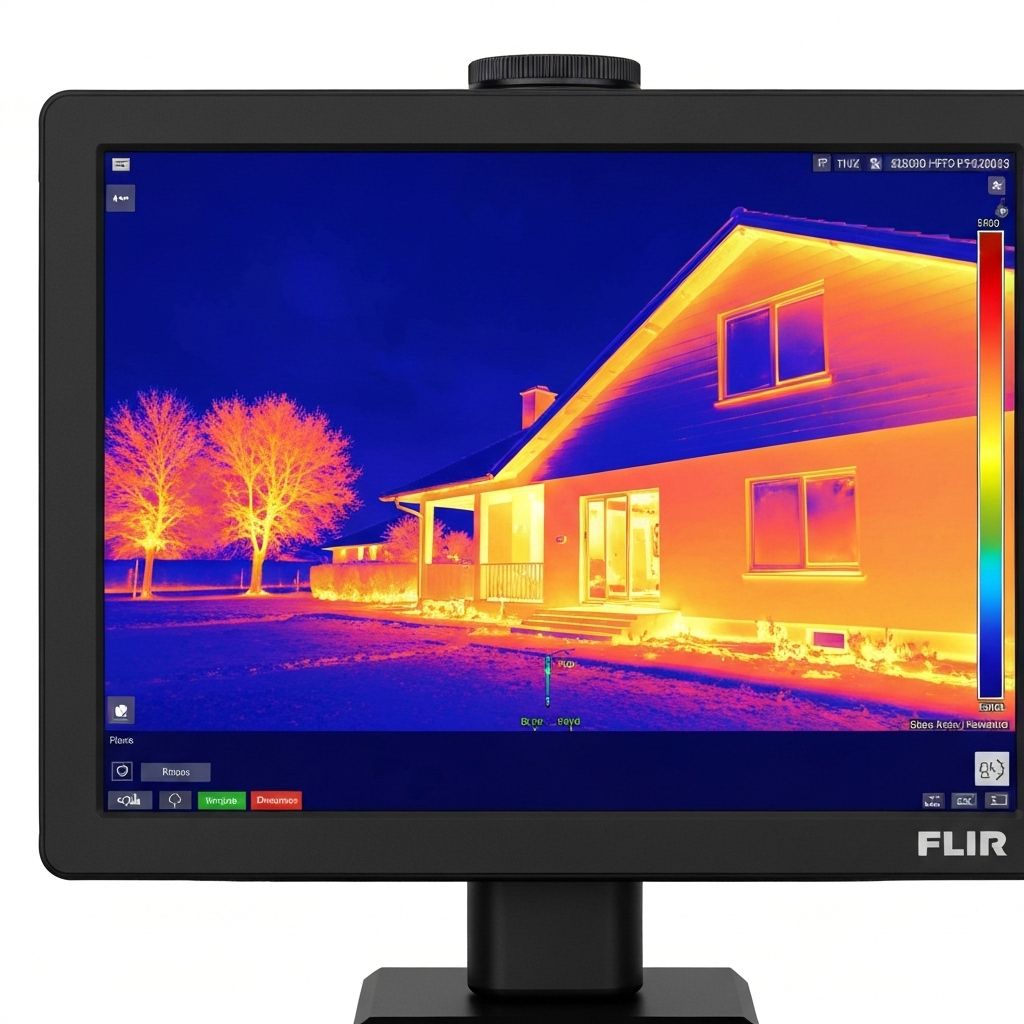
Before disassembly, confirm it's a thermal issue. Run the TV and use an IR thermometer to measure the back panel temperature. Normal operating temp is 40-50°C. If it's 60-80°C, you have an overheating problem. Listen for fan noise (if equipped) - if the fan is running at max speed, the system is trying to cool itself. Time how long until shutdown - consistent shutdown times indicate thermal protection.
Remove Back Cover and Clean Heatsinks
Unplug the TV and remove the back cover. Locate the heatsinks (usually aluminum fins attached to the main board). Use compressed air to blow out all the dust. Work outside or in a well-ventilated area - there will be a lot of dust. Pay special attention to the CPU heatsink and any active cooling fans. Clean the fan blades with a cotton swab and isopropyl alcohol.
Remove Heatsink and Clean Old Thermal Paste
Unscrew the CPU heatsink (usually 4 screws). Gently twist and lift - don't pull straight up or you might damage the CPU. The old thermal paste will be dried and cracked. Clean both the CPU die and heatsink base with isopropyl alcohol and a coffee filter. Keep cleaning until both surfaces are mirror-shiny with no residue. Let them dry completely (alcohol evaporates quickly).
Apply New Thermal Paste
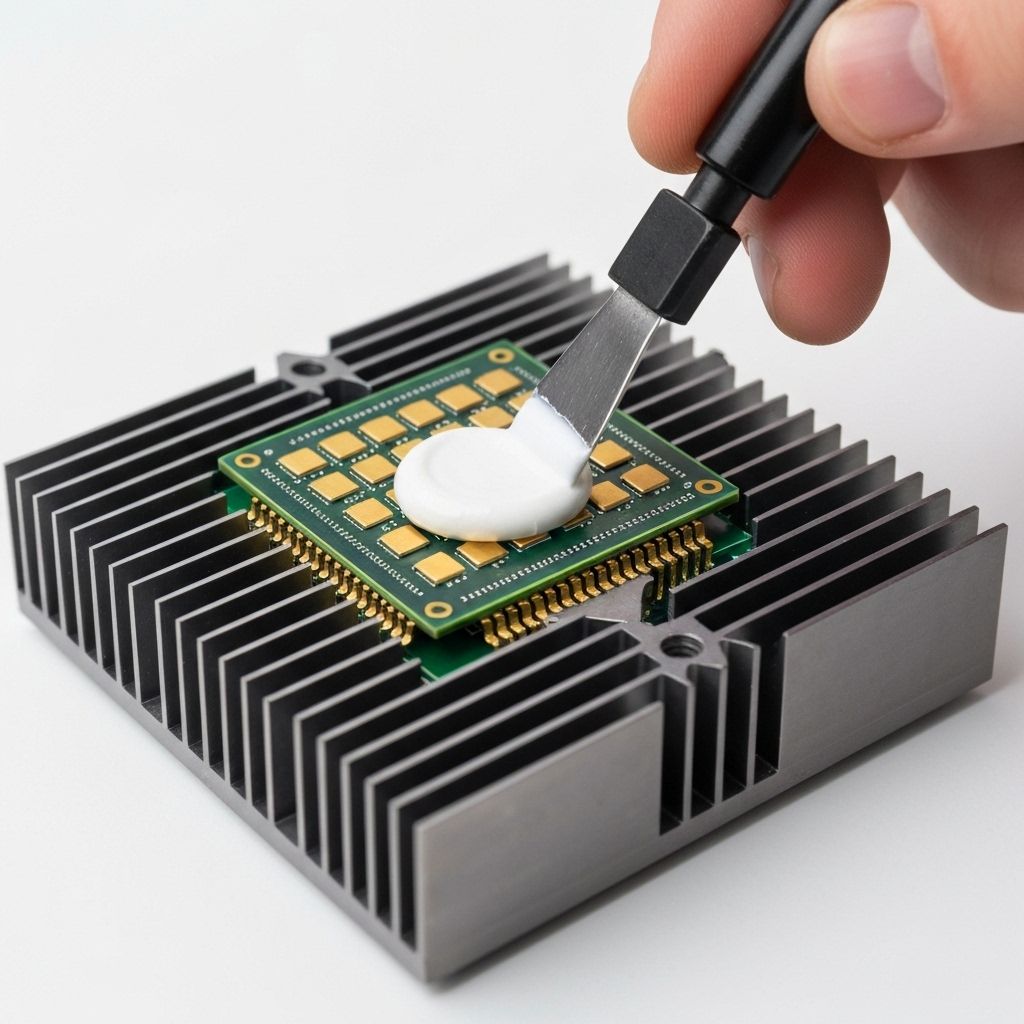
This is critical - too much paste is as bad as too little. Apply a small rice-grain sized dot in the center of the CPU die. When you mount the heatsink, it will spread naturally. DO NOT spread it manually - this traps air bubbles. Mount the heatsink and tighten the screws in a cross pattern (like changing a tire) to ensure even pressure. Don't overtighten - just snug.
Test and Monitor Temperatures
Reassemble the TV and power it on. Let it run for 2-3 hours while monitoring the back panel temperature with an IR thermometer. It should stay around 45-55°C now. The TV should run indefinitely without shutting down. If it still overheats, check that the heatsink is making good contact and that you didn't miss any dust in the airflow path.

Conclusion
Thermal issues are extremely common in TVs over 3-5 years old. Dust accumulation and dried thermal paste are inevitable with age. This repair costs under $10 in materials and takes 30-45 minutes. It's preventive maintenance that should be done on any TV showing signs of overheating. The new thermal paste will last another 5+ years. Pro tip: If you live in a dusty environment, clean the heatsinks every 2-3 years to prevent this issue. Some technicians add a dust filter over the ventilation holes to extend the cleaning interval.